Help Center: Survey Runner
Survey Runner (under Digital Twins) lets you test questionnaires against real audiences in minutes, not weeks. Instead of asking questions one at a time, upload the survey document you already have. Survey Runner parses it, optimizes each question for Digital Twins, and runs the whole thing sequentially against the audience you choose. Jump to section:
- Survey Runs
- Step 1: Upload a Questionnaire
- Step 2: AI Question Optimization
- Step 3: Configure
- Running a Survey
- Results
Survey Runs
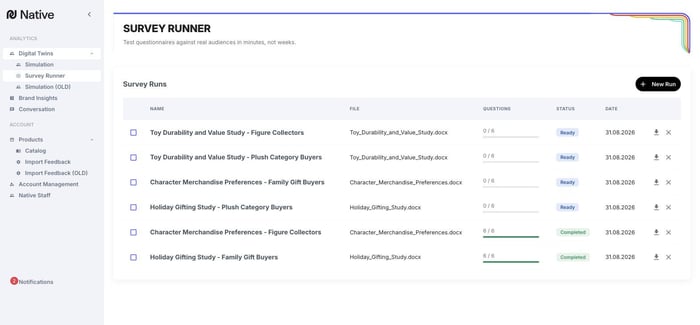
The Survey Runner home page lists your runs with the source file, per-run question progress, status (Ready / Completed), and date, plus per-run export and delete. + New Run starts a new survey.
Step 1: Upload a Questionnaire
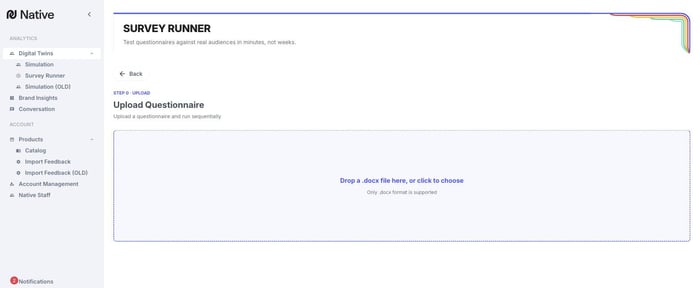
Upload your questionnaire as a Word document (.docx, the only supported format). There's no need to reformat your survey first: Native AI parses the document and extracts each question, including answer options for closed-ended questions.
Step 2: AI Question Optimization
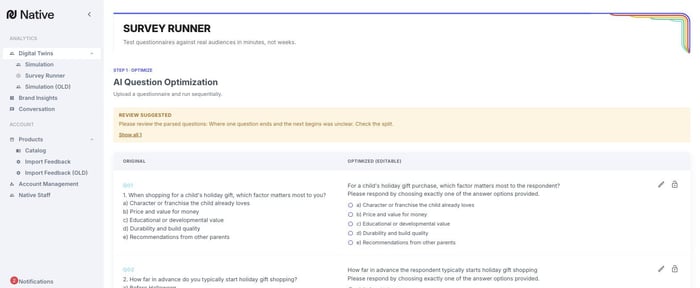
Survey Runner shows each original question side by side with an AI-optimized version tuned to perform well with Digital Twins, following the same principles as the Digital Twins question tips (one question per query, concise wording, clear answer options).
You stay in control: edit any optimized question inline, lock individual questions (or Lock all) to keep them as-is, or Re-Optimize for a fresh pass. Continue when the question set looks right.
Step 3: Configure
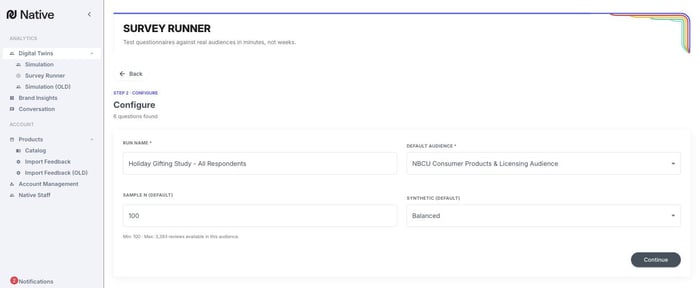
Name the run and set the defaults: the audience to poll (a saved audience, the same ones you build from filters and use in Digital Twins), the Sample N (how many twins answer each question), and the Synthetic output setting (High Fidelity / Balanced / High Creativity, as described on the Digital Twins page).
Your work is saved as you go: you can leave in the middle of setting up a survey and pick up where you left off from the Survey Runs list.
Running a Survey
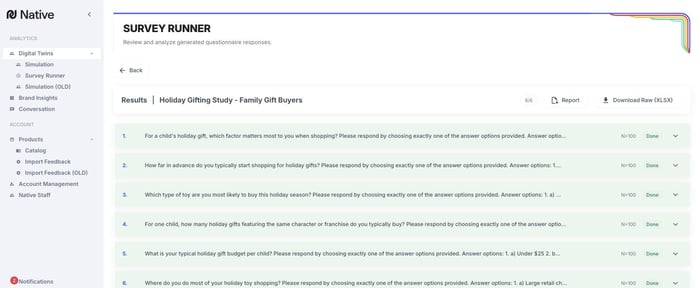
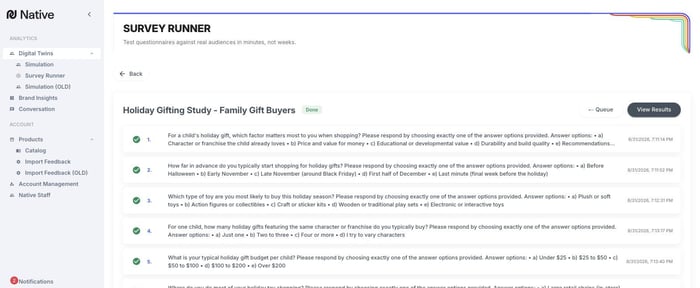
Questions run sequentially, and the run page shows each question's status and completion time as it progresses. Completed survey questions also appear as threads in Digital Twins, organized in a folder named for the survey, so you can ask follow-ups on any survey question afterward.
Results
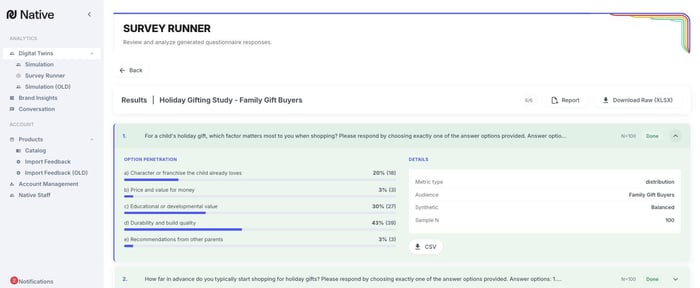
When a run completes, View Results shows each question with its response summary. For closed-ended questions you get option penetration, showing how the audience distributed across your answer options, plus the run details (audience, synthetic setting, sample size). Export per-question results as CSV, the full run as Download Raw (XLSX), or generate a Report.